Discord is a free communication platform and one of the most widely used on the internet. Available on macOS, it initially got popular within gaming communities but has since expanded into professional and personal communication. It has become a powerful app available across multiple platforms, allowing users to chat via voice, video, and text in organized servers and channels.
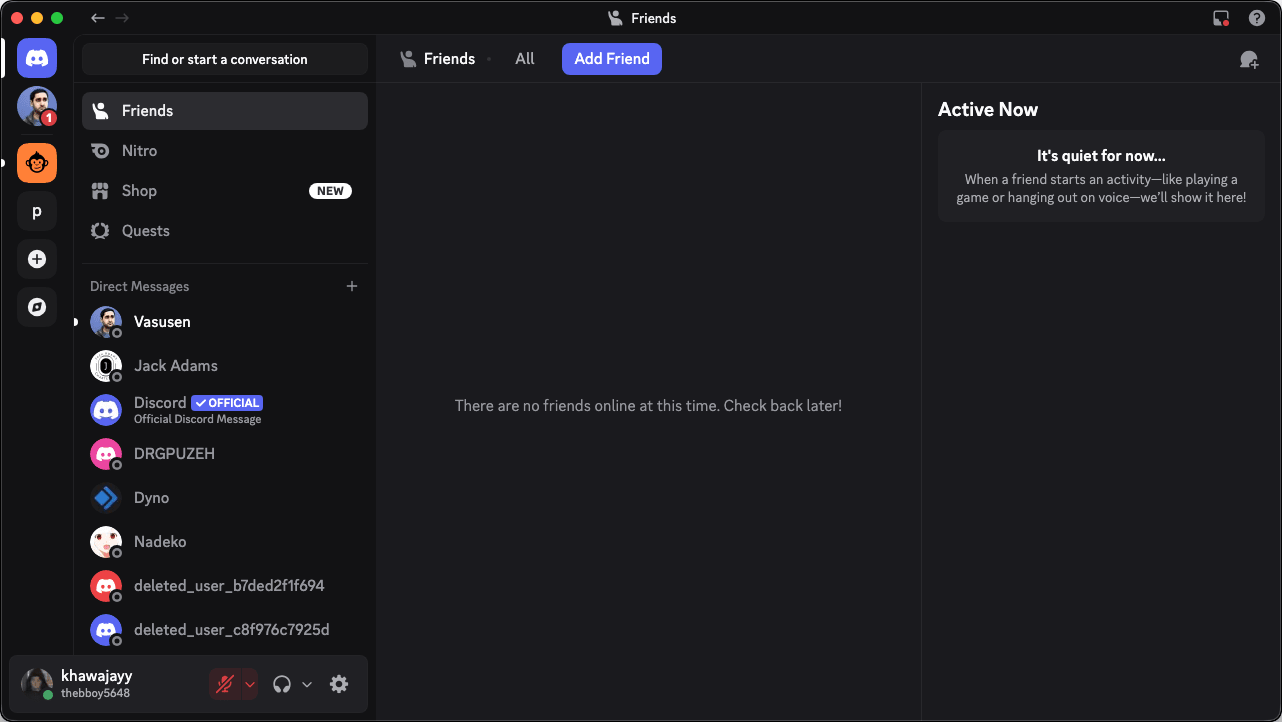
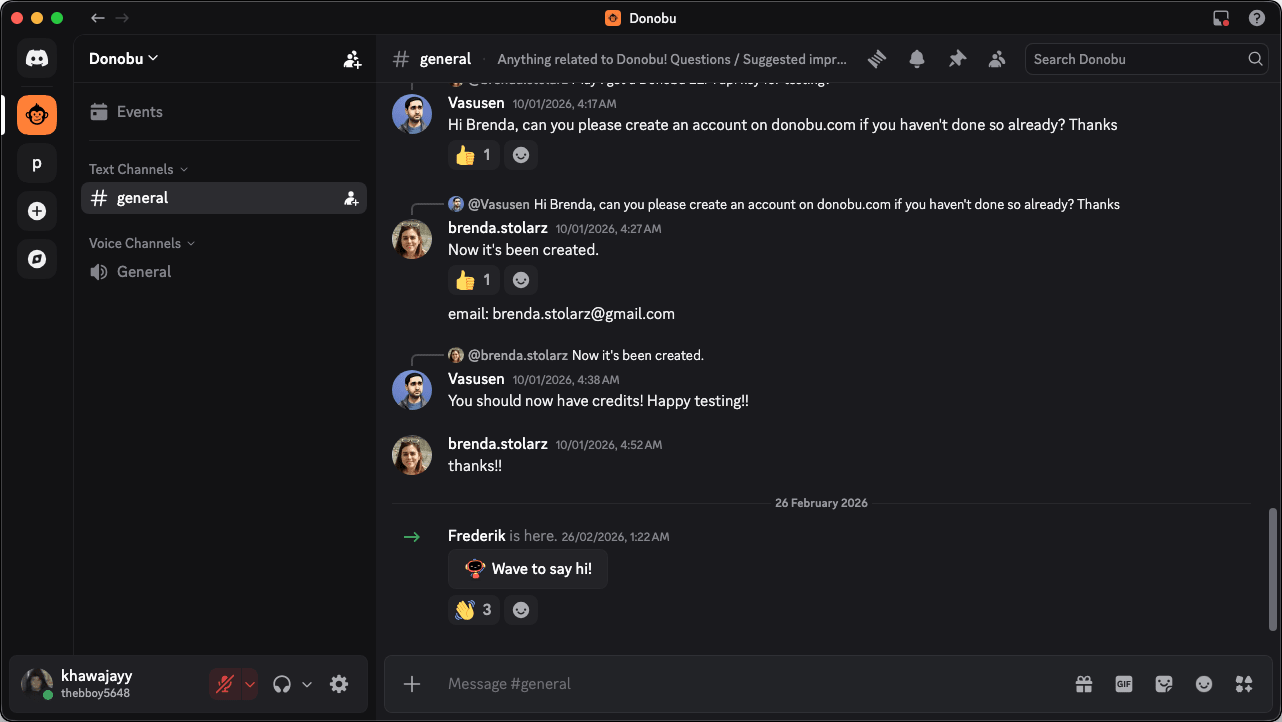
Discord on Mac is incredibly well-optimized, featuring native Apple Silicon support, and feels modern and easy to navigate throughout. On the left, conversations are neatly organized into servers and channels, which allows users to structure discussions around different topics. You can chat with your friends, family, or any other user within specific channels or directly as well.
Voice, video, and real-time communication
Discord's biggest strength is its reliable and crisp real-time communication using voice, video, and text. You can join conversations instantly in high-quality voice channels without needing to initiate traditional calls.
Whether you are in a study group or want to have group video calls, Discord will manage it all for you. These communication features make Discord useful far beyond gaming. Many online communities now rely on it for meetings, discussions, and shared activities.Servers, channels, and community organization
Discord's server system is where the magic lies. It is what truly sets it apart from any potential competition. The servers are dedicated spaces where communities can gather and organize discussions through multiple channels. They can be created for specific purposes such as announcements, general discussions, technical support, and more, preventing disorganization.
The server architecture also supports customizable roles, such as server mods or administrators. This has become particularly popular over the years as moderators are needed in large communities to manage permissions, posting, channels, and certain sections of the server. Some server owners even hire paid moderators.Integrations, bots, and customization
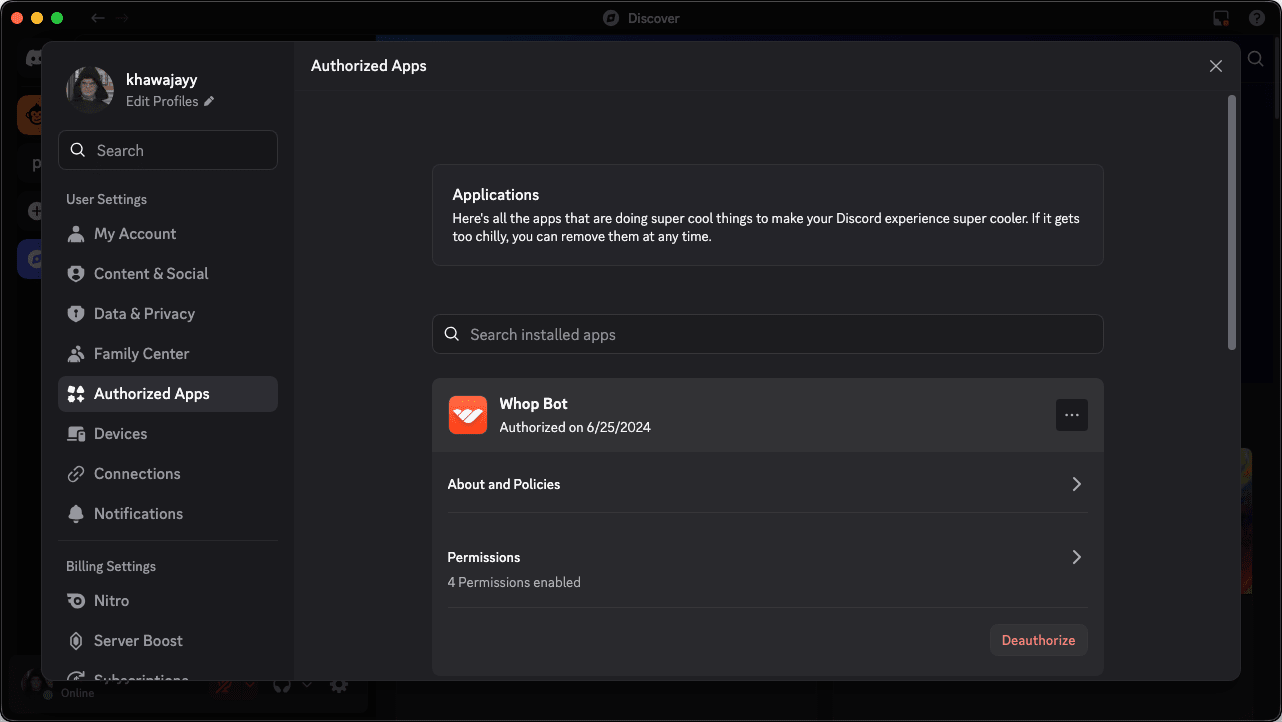
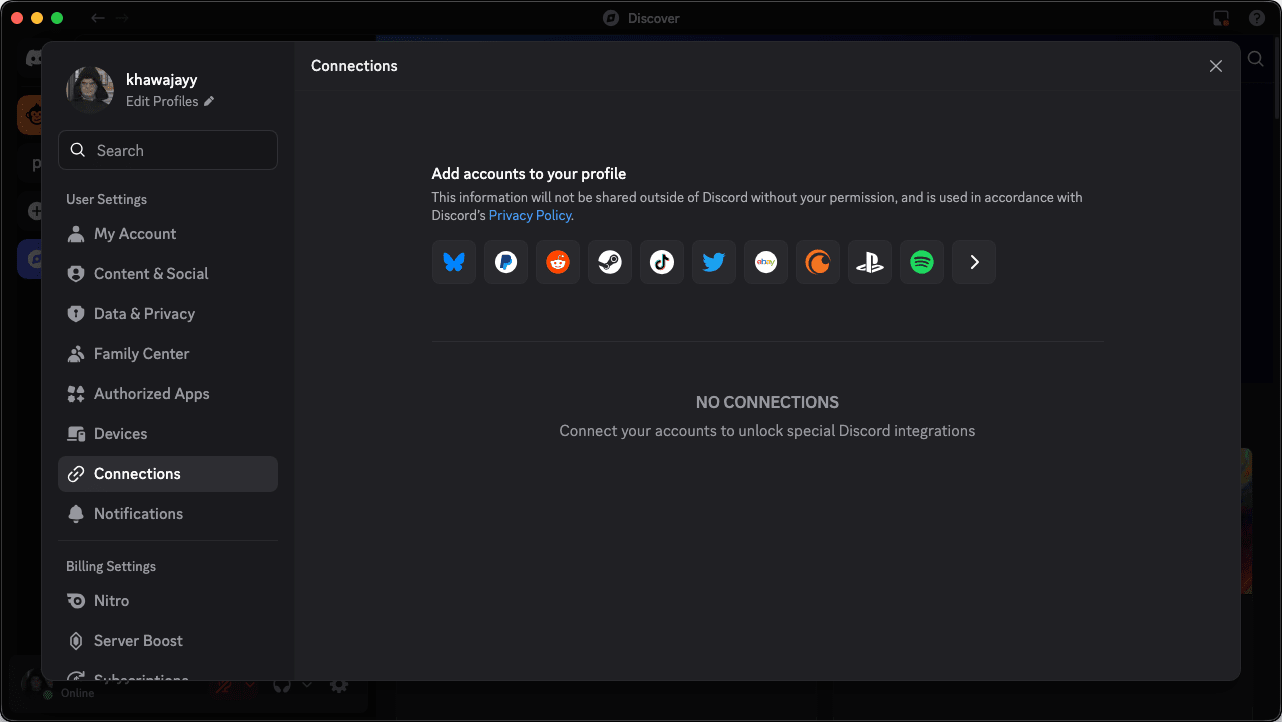
Within the app, another major strength is the ability to add integrations and bots to customize the experience even further. For example, you can add automated bots to perform moderation of the server. Bots can also play automatic music on the server, run polls, and do repetitive tasks such as welcoming people, or performing basic verification before allowing users to join.Pricing and Discord Nitro
While Discord is completely free to use, it offers a premium subscription called Discord Nitro. Nitro unlocks high-resolution video streaming, larger file upload limits, custom global emojis, and profile customization. As of mid-2026, Discord has also partnered with Microsoft to include access to the Xbox Game Pass Starter Edition directly within the Nitro subscription, adding immense value for gamers.Security, moderation, and account protection
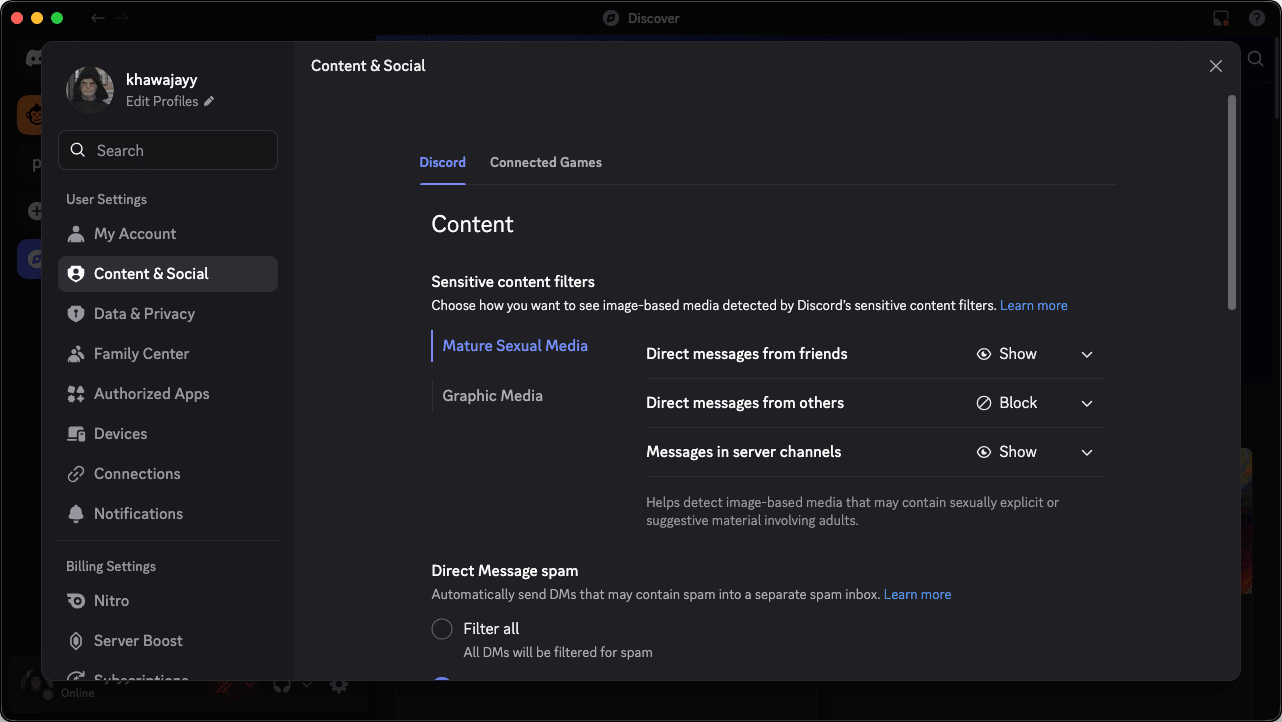
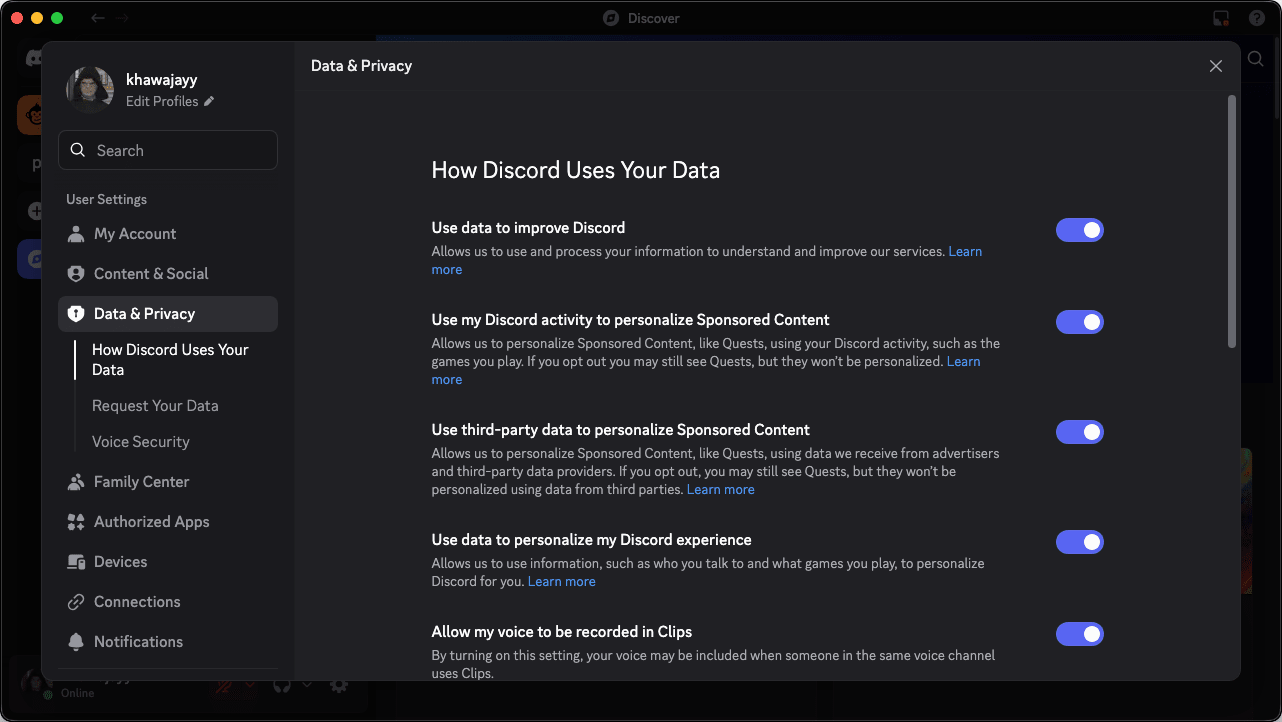
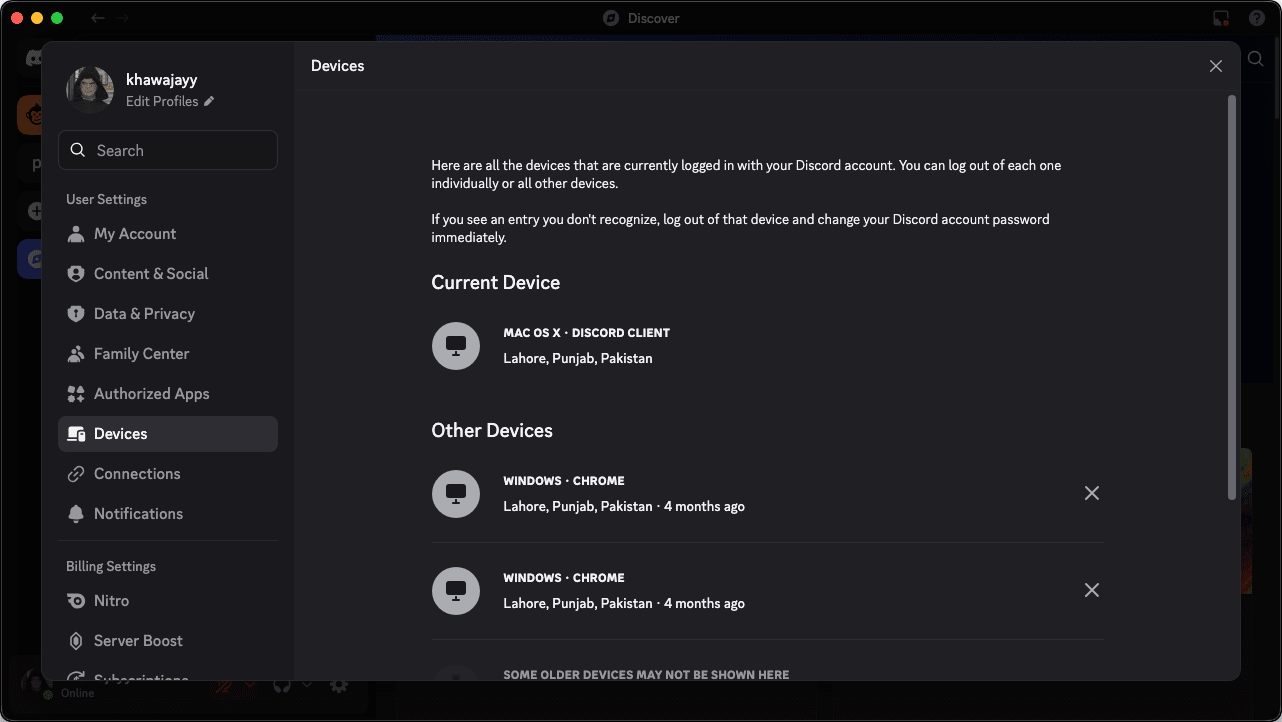
Discord comes with many built-in features to ensure safe and secure communication. The app is very particular about logins, requiring email verification when connecting from a new IP address, and it fully supports two-factor authentication (2FA) for added account protection. Server administrators and automated bots can also take security a step further.A powerful communication hub for modern online communities
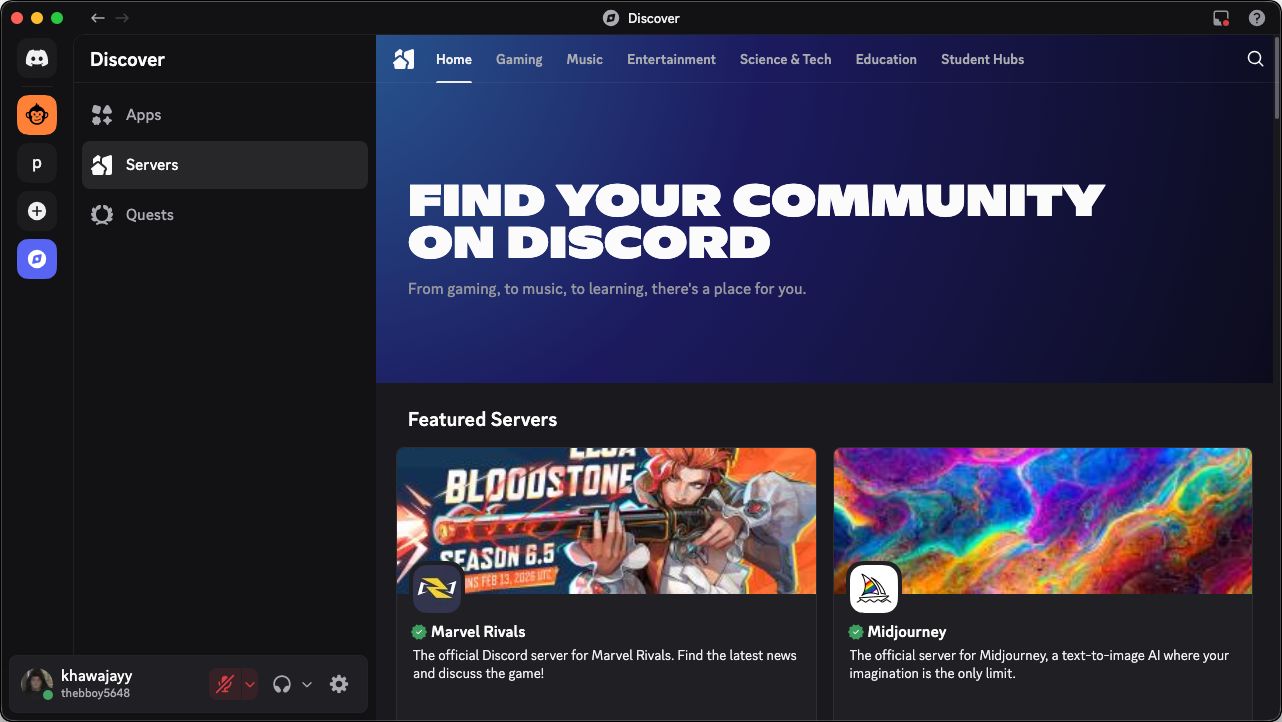
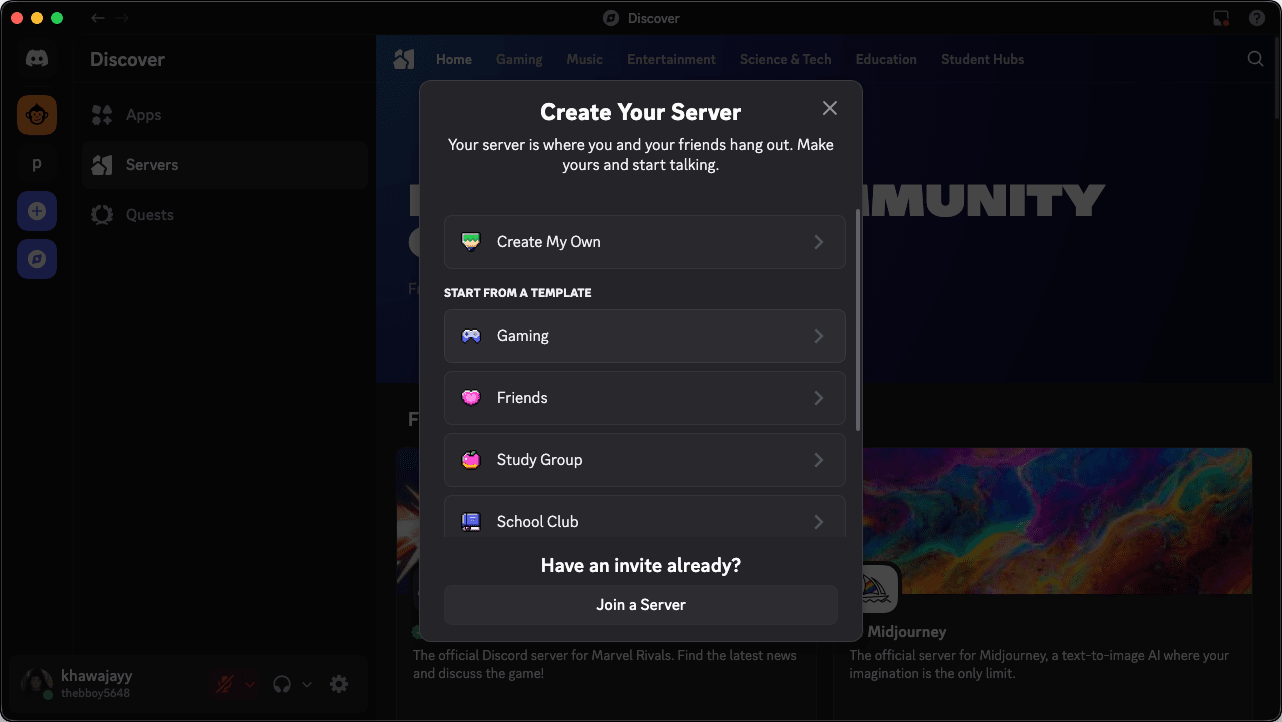
Discord on Mac is designed as a smooth and efficient communication app that allows users to access their favorite servers and online communities. With just a few clicks, you can set up your servers, invite whoever you want, and build organized private or public spaces for whatever purpose you need. With reliable and secure voice chat, it is a fantastic way to game with friends, provide technical support to clients, or handle just about anything else.